
Before Bars on the sides
Elastic Stretch
Fill the screen. Keep the center.
Fills the edges without cropping or losing the center.
200,000+ users · Free Chrome extension
Zoom to Fill removes the black bars from any video on any site. One click on the player, or from the panel that lives inside it.
No account needed · Chrome, Edge, Brave, Opera and Arc
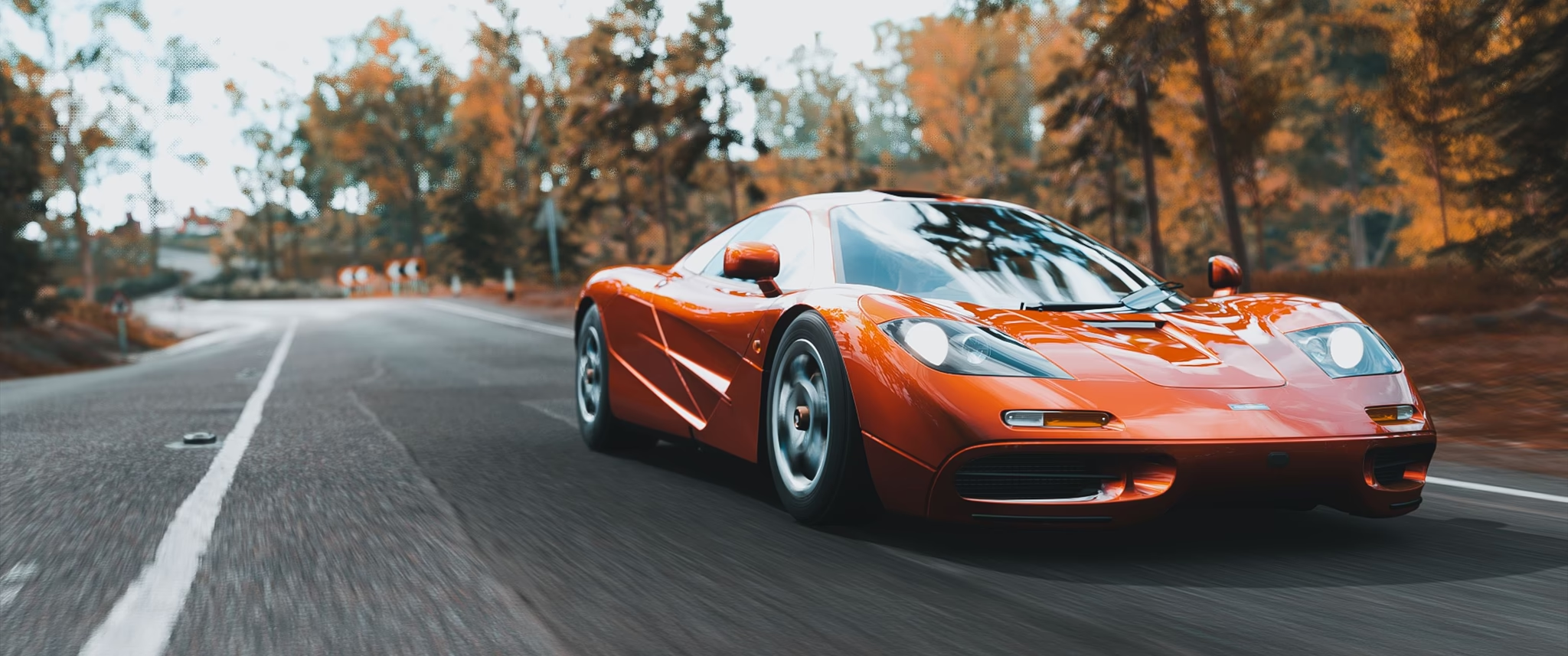
Works where you watch
Zoom, pan and aspect-ratio fill work on every player, even DRM-locked ones.
The panel
No popup, no settings page. The panel opens on the player, and everything happens live.
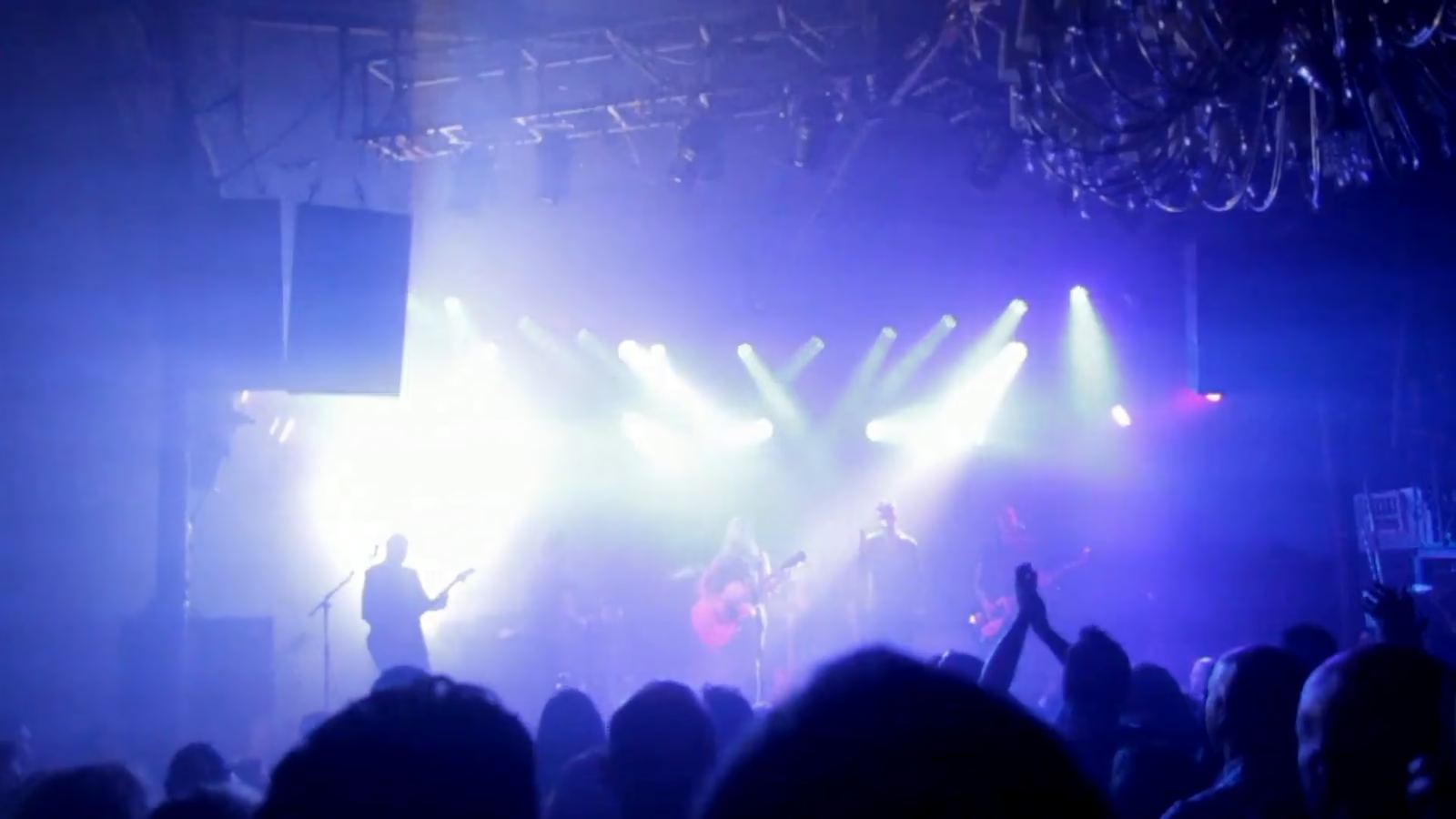
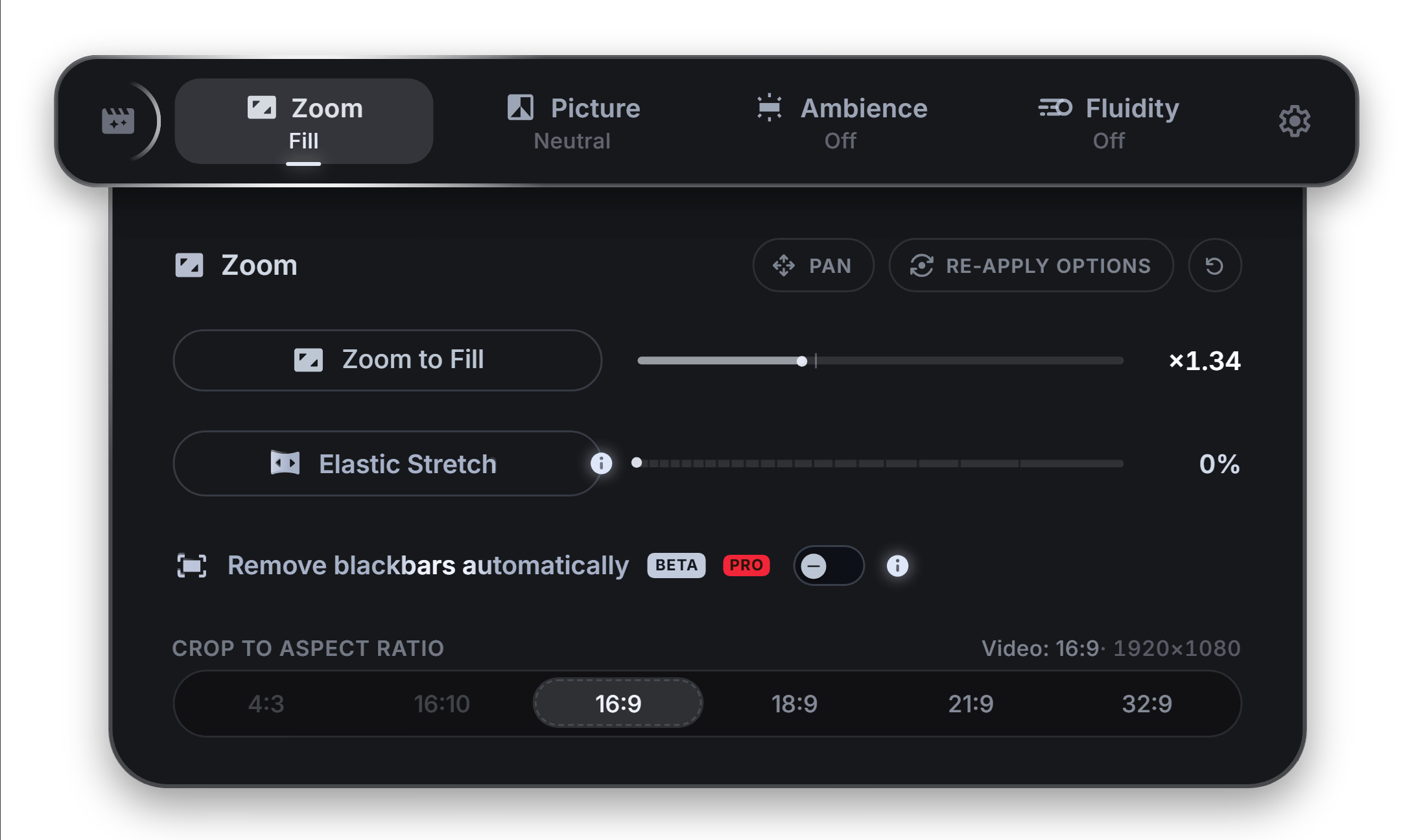
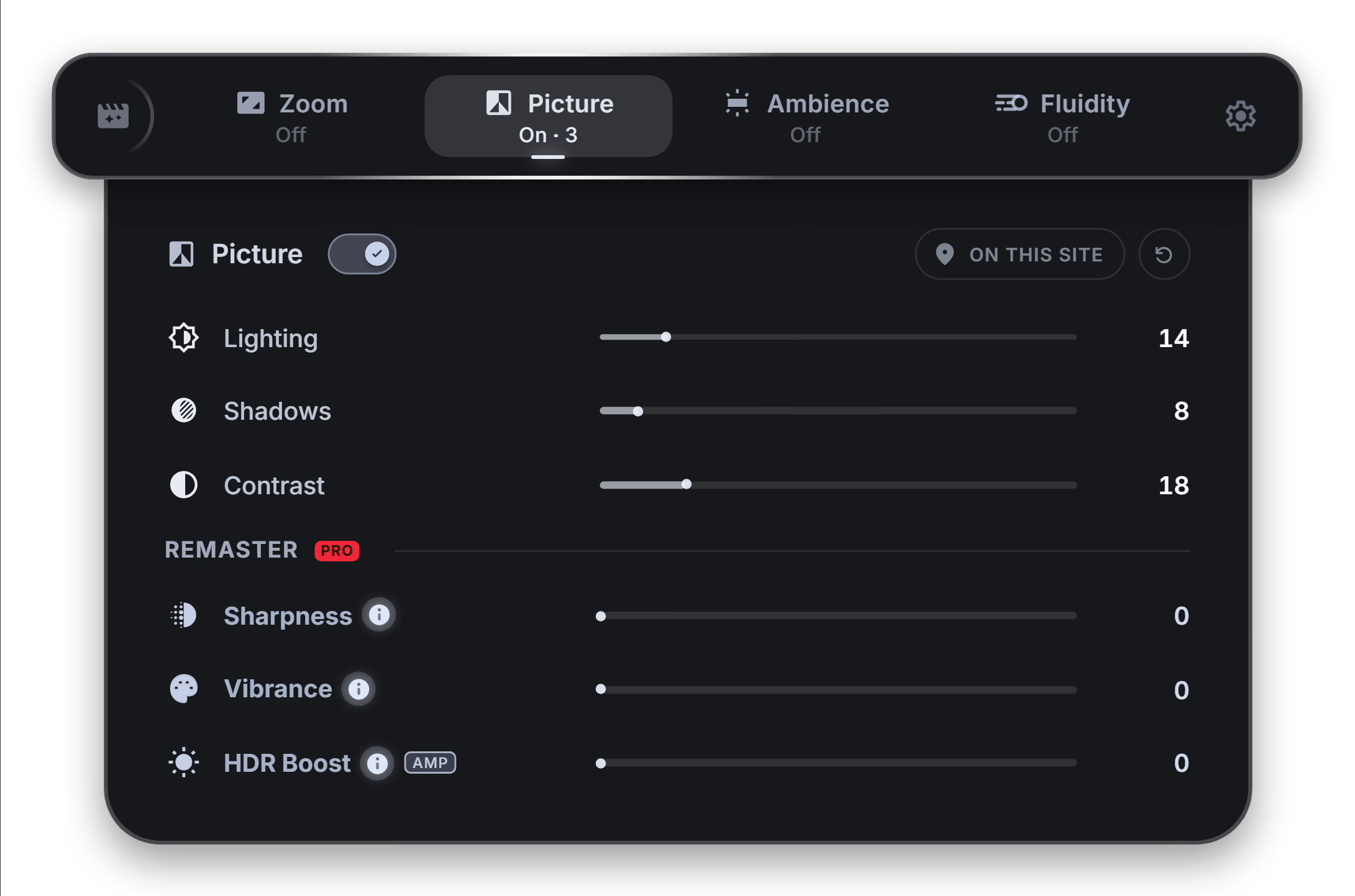
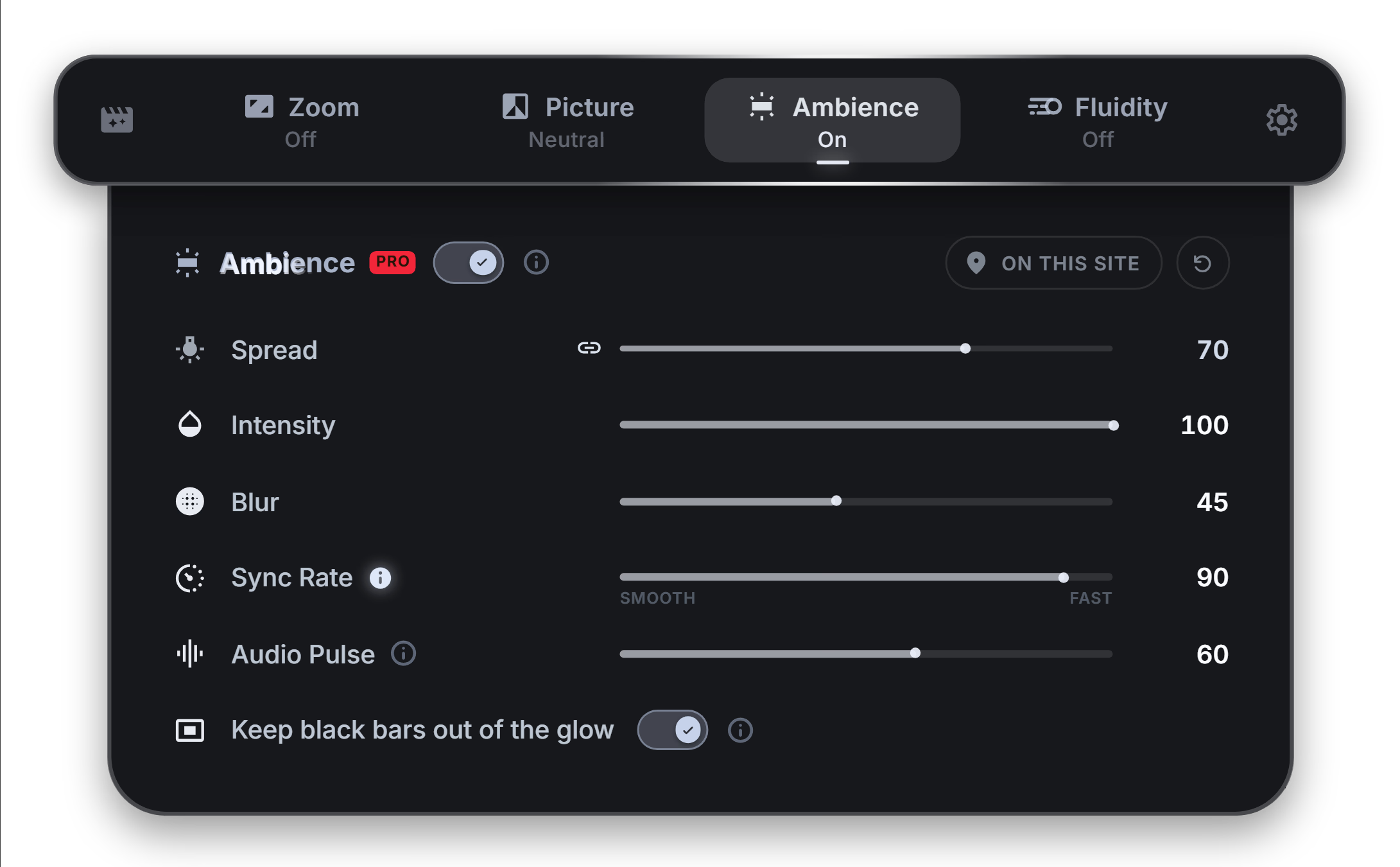
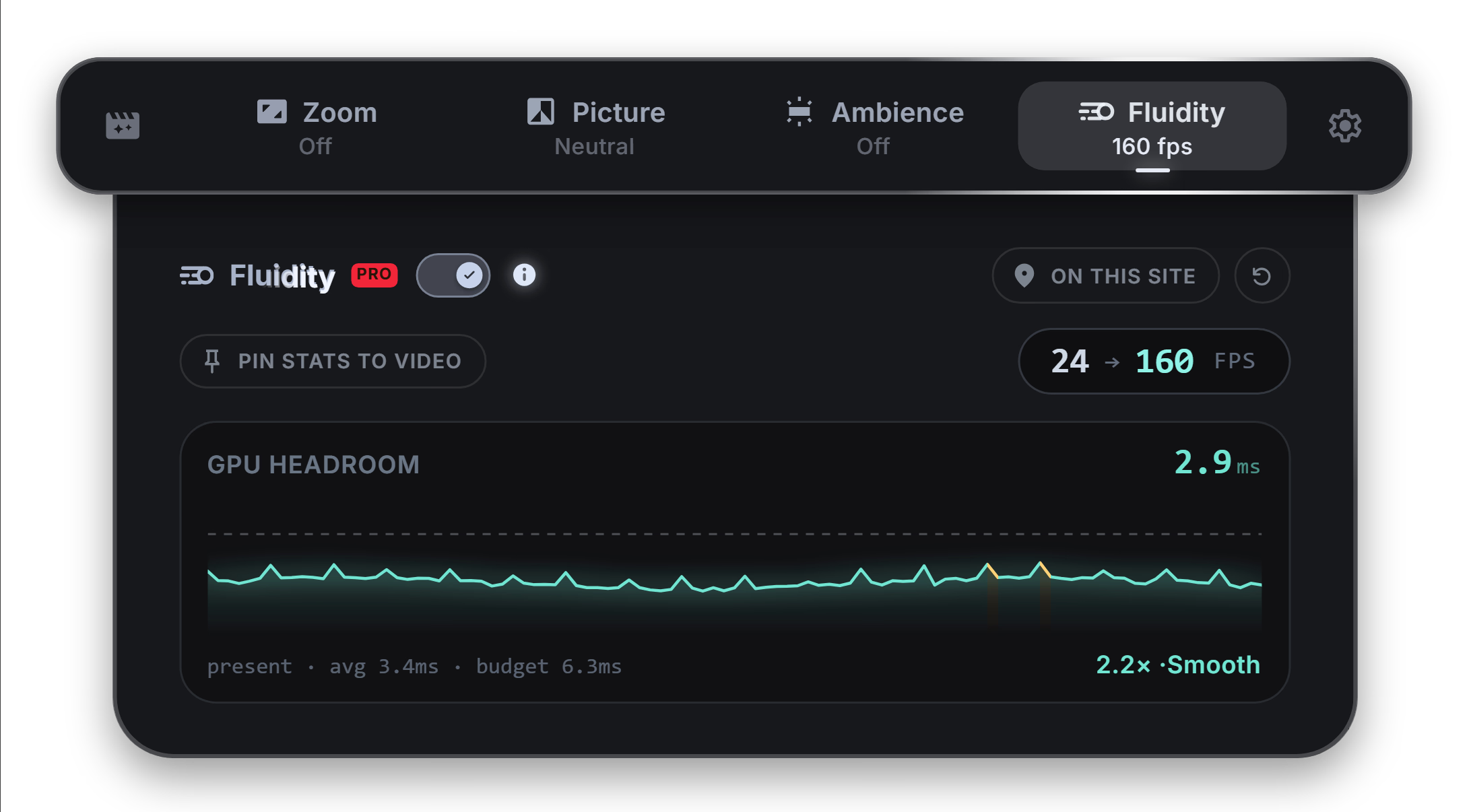
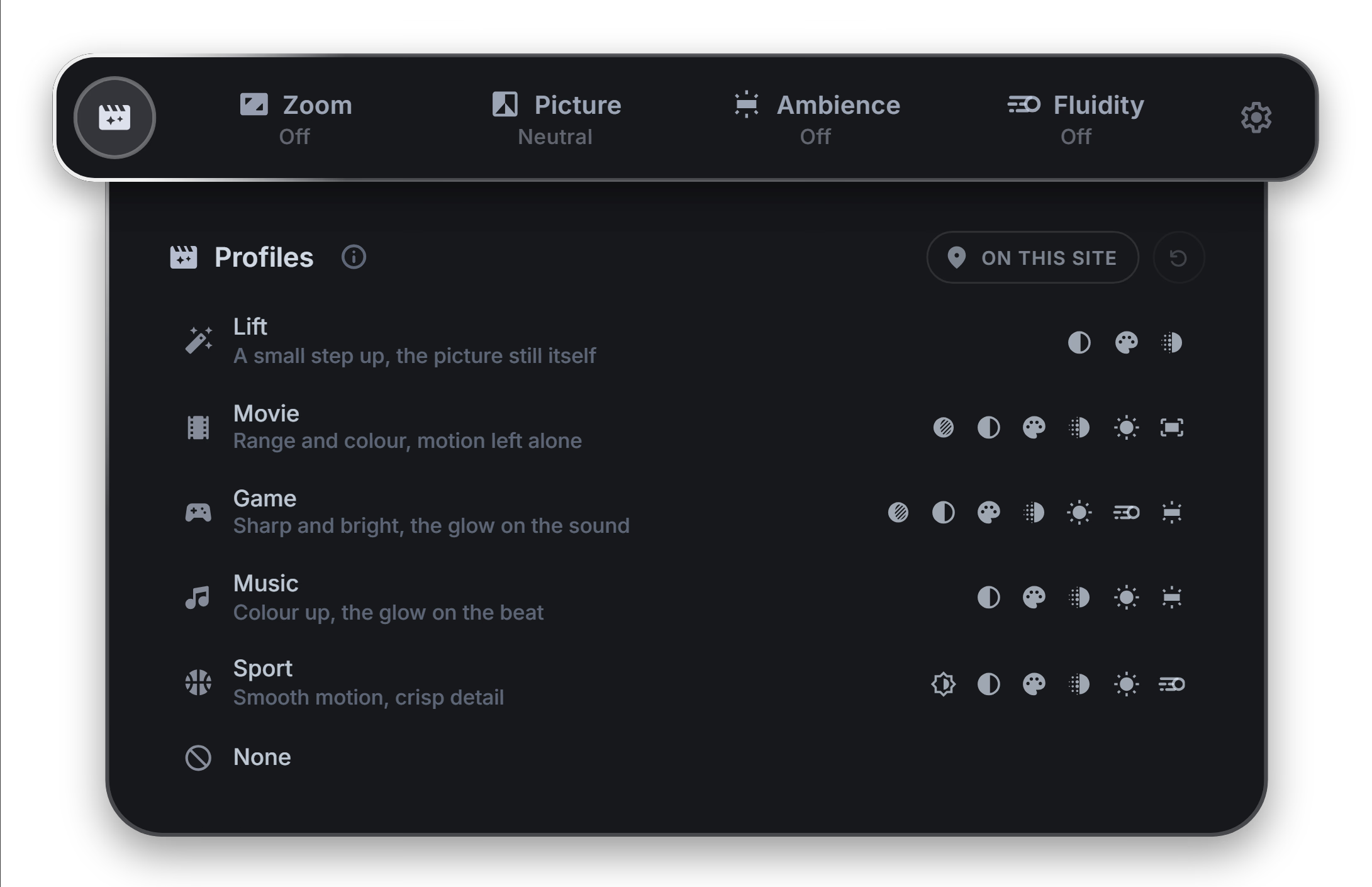
On any video, the floating button is there: click it and the panel opens, fullscreen included.
PRO
Computed live, on your machine: nothing re-encoded, nothing uploaded. Unlock it whenever you want; the extension stays the same.
Fill the screen. Keep the center.
Fills the edges without cropping or losing the center.
Real-time frame interpolation up to your display’s refresh rate. Panning shots stop juddering; film starts gliding.
Highlights lifted back out of the flat grade the stream shipped, and pushed into your display’s extended range where it has one.
Contrast-aware detail recovery, made for zoomed-in crops. No halos.
Colour lifted where the stream went flat, and skin left exactly as it was.
Let the picture light the room.
Ambience samples the video in real time and floods the dark behind it with matching color, a backlight built into your browser. Gorgeous at night, easy on OLED panels. Every control included.
Bars detected, bars removed, the moment they appear. DRM included.
Movie, Sport, Game or Music: one click sets every slider for what is on.
Every site remembers its own setup (zoom, ratio, grade), synced across devices.
The basics.
Everything unlocked.
Billed annually at $35.99
No account needed. PRO is tied to the email you pay with, and signing in with that email restores it on any browser, any time. Paddle's overlay handles email and payment. Cancel anytime, see the refund policy.
Loved where it counts
What people wrote on the listing, as they wrote it.
“Wow! This not only fixed the black bars on all 4 sides of Prime Video on my ridiculous 32:9 monitor, but it even lets me get "in between" aspect ratios.”
 Henry S. Chrome Web Store · Dec 2025
“I've tried about a dozen different ones and this one is the only one that just works, even adds buttons to the players so you don't have to faff with keyboard shortcuts or blindly tune the zoom. It just works, amazing!”
 Petr O. Chrome Web Store · Dec 2022
“The best extension on the whole Chrome Web Store! It actually makes me happy when a video fills the whole monitor. A must-have if you have an ultrawide!”
 George A. Chrome Web Store · Aug 2024
“All the extensions i tried before this one were basicly a paywall or were underconver ads. This is the most easy, clean and user friendly i've used so far.”
 Julian G. Chrome Web Store · Jun 2026
“Does exactly what I was searching for and it has even the shortcut function. So when a video is in full screen, I can use the keyboard keys to increase or decrease the size without changing the video ratio!”
 Khan C. Chrome Web Store · Dec 2025
“Works fantastic with Paramount+ and even on Edge! Fixes awful looking video when watching shows that were shot in 16:9 but stream in 4:3. Either way, extension is simple, works and is clean. Well done dev!”
 Dustin D. Chrome Web Store · Aug 2023
“Awesome! I had several wide screen extensions that worked brilliantly for a while, but over the last few months they seemed to just start stretching horizontally and warping the image no matter what i did. Just tried this extension and I'm back to full widescreening again. many thanks!”
 Adrian H. Chrome Web Store · Jun 2021
“works like a charm, I never write reviews ussually, but I have tried so many yt zoom apps, but this is the best!”
 Wardah A. Chrome Web Store · Jul 2026
“Works perfectly for me on macOS, thank you! I sometimes play videos of hikes or mood videos while writing and this extension helps to fill up the screen perfectly without black bars.”
 Coen R. Chrome Web Store · Mar 2025
200,000+ people already did. No signup, no account. Just video, the way your screen was meant to show it.
FAQ
Yes. Filling your screen is free forever, with no account: zoom, pan, aspect ratios, the player button and the basic picture filters. PRO is an optional upgrade for the GPU suite.
Yes. Zoom, pan and aspect-ratio fill work on every player, including DRM-protected ones. GPU effects (Elastic Stretch, Fluidity, Sharpness, HDR Boost) run on non-DRM video like YouTube; Ambience and Remove blackbars automatically work on DRM players through a compatibility mode.
Yes: 30 days from your first charge, on every plan. Write to pro@zoomtofill.com and we take care of it.
Yes. PRO is tied to the email you pay with: sign in with it on any browser, on any computer, and it comes back.
It's on your email, not on the browser. Reinstall, sign in with the same address and it comes back.